Animated Video Studio
Make animated promo, explainer and 3D character videos in code, with voiceover, music and subtitles.
Installation
- Make sure Claude is on your device and in your terminal.
Skills load from
~/.claude/skills/when Claude Code starts up — so you need it on your machine first. If you don't have it yet, install it once with the command below, then runclaudein any terminal to verify.One-time setupnpm i -g @anthropic-ai/claude-codeAlready have it? Skip ahead.
- Paste into Claude Code or into your terminal.
This downloads the skill into
~/.claude/skills/animated-video-studio/SKILL.md. - Restart Claude Code.
Quit and reopen Claude Code (or any other agent that loads from
~/.claude/skills/). New skills are picked up on startup. - Just ask Claude.
Skills auto-activate when your request matches the skill's description — no slash command needed. Trigger phrases live in the skill's own frontmatter; you can read them in the “What this skill does” section above.
Prefer to read the source first? Read the SKILL.md.
When Claude uses it
Make cinematic promo, launch, explainer and animated character videos entirely in code. Every frame is rendered from three.js / HTML in headless Chromium, with a synthesized music score, an AI voiceover (free local Kokoro or ElevenLabs), burned-in subtitles, and native 9:16 (TikTok/Reels/Shorts) plus 16:9 deliverables, then checked with numeric QA. Use whenever the user wants a video, hype video, ad, promo film, launch video, explainer, animated skit, TikTok/Reel/Short, or wants a reference video recreated "in this style".
What this skill does
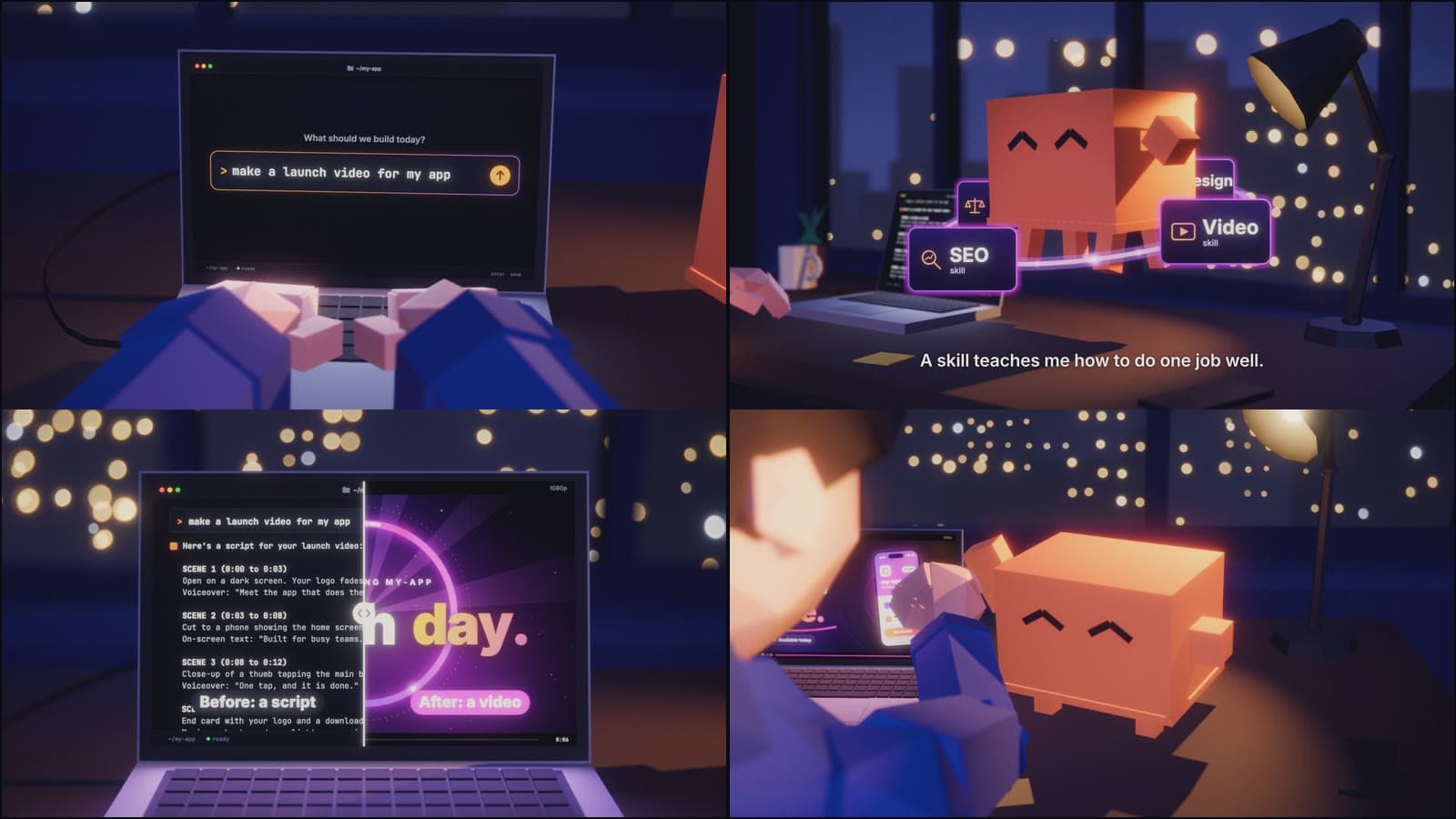
Make animated videos entirely in code. Claude writes the script, records the voices, builds every shot in three.js or HTML, scores the music, burns in the subtitles, and renders a 9:16 version for TikTok, Reels and Shorts plus a 16:9 version. Then it checks the result before handing it over.
It covers two styles:
- 3D character short: low-poly characters at a desk, a mascot, a laptop screen that carries the story, night-city bokeh and shallow depth of field.
- Motion-graphics product spot: UI shown up close on black, cursor clicks, glow, grain and end cards.
What you get
- A finished MP4 in 9:16 and 16:9, with voiceover, music and sound effects.
- Every frame rendered from code, so a change like "change this line" or "less zoom" is a re-render, not a re-shoot.
- Voices from free local Kokoro, or ElevenLabs if you have a key.
- A score synthesized in code: no samples, nothing to license.
- Checks it runs before handing over: frame count, loudness for social video (-14 LUFS), a transcript match of every line, and voice timing (each line within 40 ms of its cue).
Before you start
- Node.js 20 or newer, Python 3, and the ffmpeg CLI (
brew install ffmpegon a Mac). - Downloads on first use: a Chromium build for rendering, and the Kokoro and Whisper models if you use them.
- Rendering takes a few minutes: about 0.3 seconds per frame on a Mac.
How to use it
Open Claude Code in an empty folder and describe the video, for example "Make a 30 second animated ad for my app." If you have a reference video, point Claude at the file and it studies it frame by frame. Claude shows you a script first, then renders a draft for your feedback.
Built by the AugmentClaude team. It is the pipeline behind our own animated promo film.
Related skills
Skill Builder & Optimizer
anthropics
Create, edit, and optimize Claude skills with performance testing and benchmarking.
Org Change Management
alirezarezvani
Guide teams through organizational changes using the ADKAR model and communication strategies.
Audio/Video Transcription
daymade
Transcribe audio and video files to text with fast local or remote processing.
Claude Export Conversation Fixer
daymade
Repair broken line wrapping in Claude Code exported conversation files.